
Opel Engine Remapping
MGREPROG helps Opel owners and professionals optimize their petrol and diesel engines. Every calibration is custom developed from your original file — never a generic one — for real gains while preserving your engine's mechanical reliability.
What we offer for your Opel
Stage 1 & Stage 2
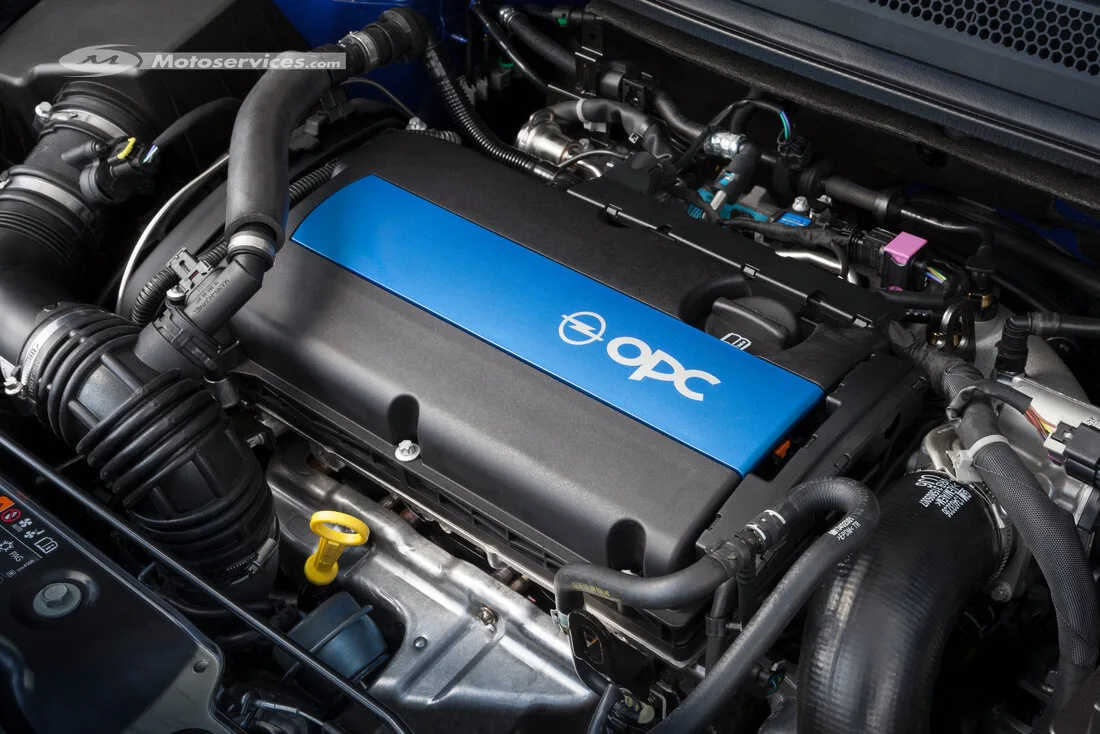
Optimization of the stock calibration (Stage 1) or adapted to existing mechanical modifications (Stage 2), on Turbo petrol (1.2, 1.4) and CDTI diesel (1.5, 1.6, 2.0) engines.
E85 FlexFuel Conversion
Conversion to E85 bioethanol on compatible petrol engines, with calibration adapted to safely handle the petrol/ethanol blend.
FAP / EGR / AdBlue Removal
Software removal of faulty emission control systems or recurring failure points, common on high-mileage CDTI engines.
Automatic Gearboxes
Automatic transmission (TCU) optimization for faster, firmer gear shifts.
Commonly supported models
Corsa, Astra, Crossland, Grandland, as well as the Combo van — on most control units fitted to these models (Bosch, Continental and others). Not sure about your specific ECU's compatibility? Contact us with your vehicle details.
Ready to optimize your Opel?
Order your custom calibration now.