
New Holland Engine Remapping
MGREPROG helps farmers and professionals optimize their New Holland diesel engines. Every calibration is custom developed from your original file — never a generic one — for more torque and available power in the field, while preserving your engine's mechanical reliability.
What we offer for your New Holland
Stage 1 & Stage 2
Optimization of the stock calibration (Stage 1) or adapted to existing mechanical modifications (Stage 2), across the diesel engines fitted to tractors and combines.
FAP / EGR / AdBlue Removal
Software removal of faulty emission control systems or recurring failure and breakdown points, common under heavy use on agricultural equipment.
Fault Code Management (DTC)
Targeted deactivation of fault codes that trigger warning lights or limp modes without affecting the machine's actual operation.
Torque & PTO Optimization
Adjustment of engine torque and power take-off speed for better field efficiency, tailored to your attached equipment.
Commonly supported models
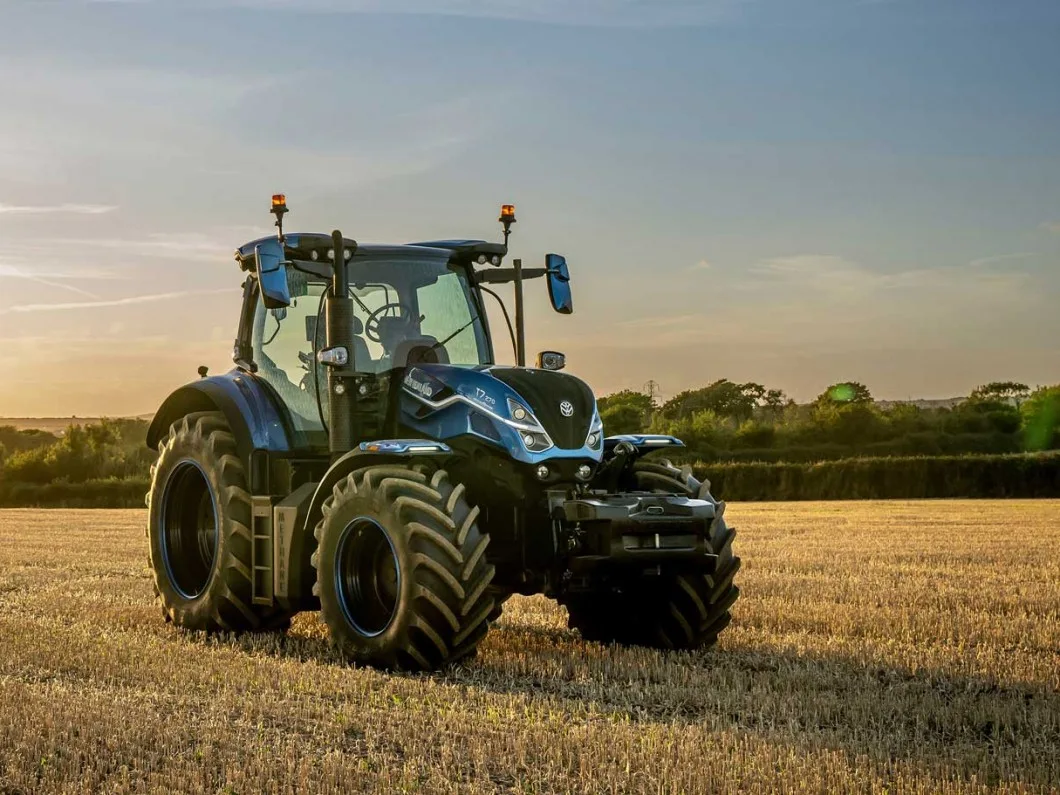
T5, T6, T7, T8 series, as well as CX series combine harvesters — on most control units fitted to these models. Not sure about your specific ECU's compatibility? Contact us with your equipment details.
Ready to optimize your New Holland?
Order your custom calibration now.